Gemma 4 E2B vs E4B: Which Small Model Should You Choose?
A practical Gemma 4 E2B vs E4B guide for people choosing between the two small models, with real benchmark gaps and memory guidance.
Gemma 4 Guides
Local setup walkthroughs, hardware requirement tables, and model-selection advice for people evaluating Gemma 4.
If you only read a few pages first, begin with model selection, hardware planning, and the most common setup or comparison questions.

A practical Gemma 4 E2B vs E4B guide for people choosing between the two small models, with real benchmark gaps and memory guidance.

A practical Gemma 4 26B vs 31B comparison for people deciding between the MoE sweet spot and the strongest dense model in the family.

A practical Gemma 4 VRAM calculator and model chooser built from official memory figures, so you can pick the right model before you download anything.

Model-family comparisons and version-selection guides for people deciding which Gemma 4 path to take.

Two of 2026's strongest open-weight models from China, released two weeks apart, aimed at similar long-horizon coding workloads — but with real differences in modality, context, and pricing shape. Here is how to pick between them.

Decode Gemma 4's naming system, compare benchmarks across all four variants, and find the right model for your hardware before you download anything.

Gemma 4 vs Qwen is not a one-line winner question. This guide helps you decide based on workflow, hardware, deployment, and ecosystem fit.
Practical setup walkthroughs for Ollama, LM Studio, llama.cpp, Google AI Studio, and adjacent Gemma 4 workflows.

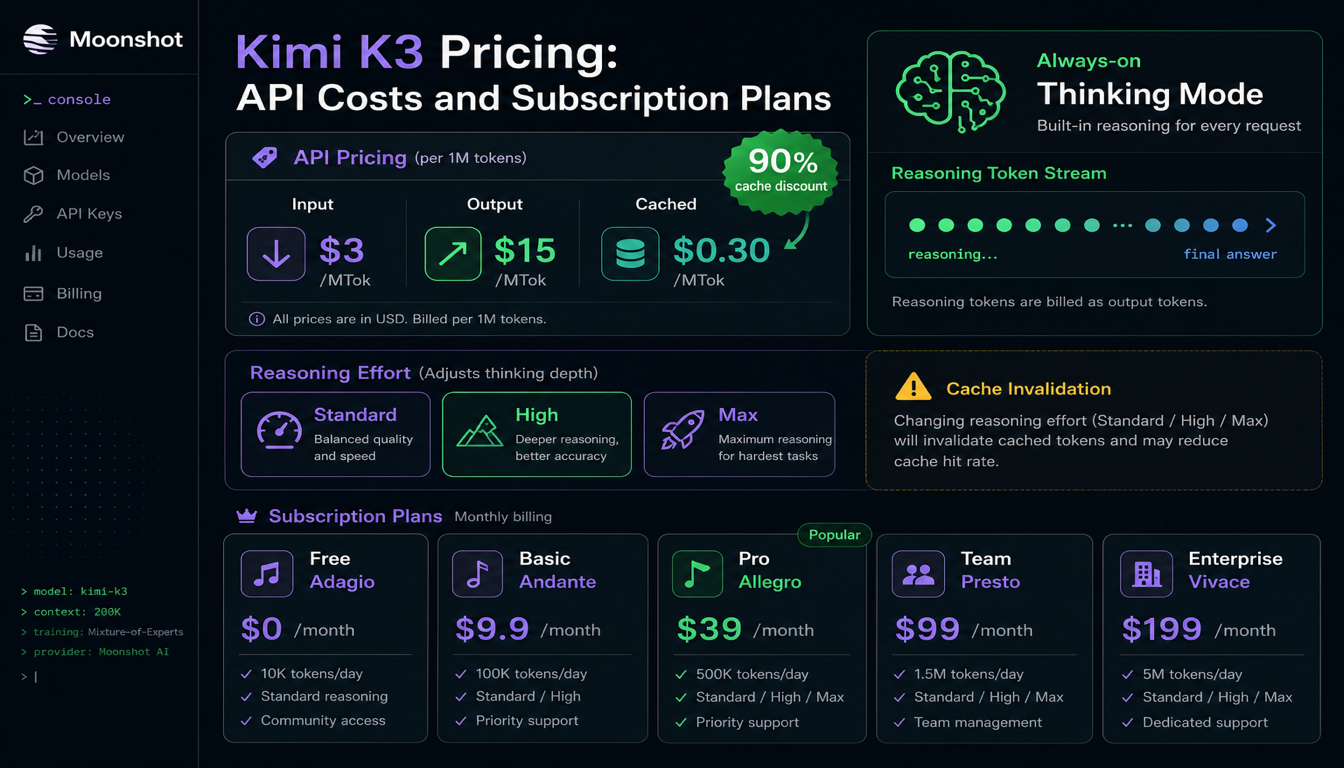
Official token pricing for Kimi K2.6, what cached vs uncached input means, how rate limit tiers actually work, and the extra costs — like web search — that people miss when budgeting.

Everything developers need from the moonshotai/Kimi-K2.6 model card: what the weights actually include, how to deploy with vLLM or SGLang, and how to decide between self-hosting and the official API.

Kimi K2.6 arrived on April 20, 2026 as an open-weight agentic coding model with 256K context, native vision and video input, and an aggressive agent-swarm story. This review breaks down what's real, what's marketing, and who should actually switch.

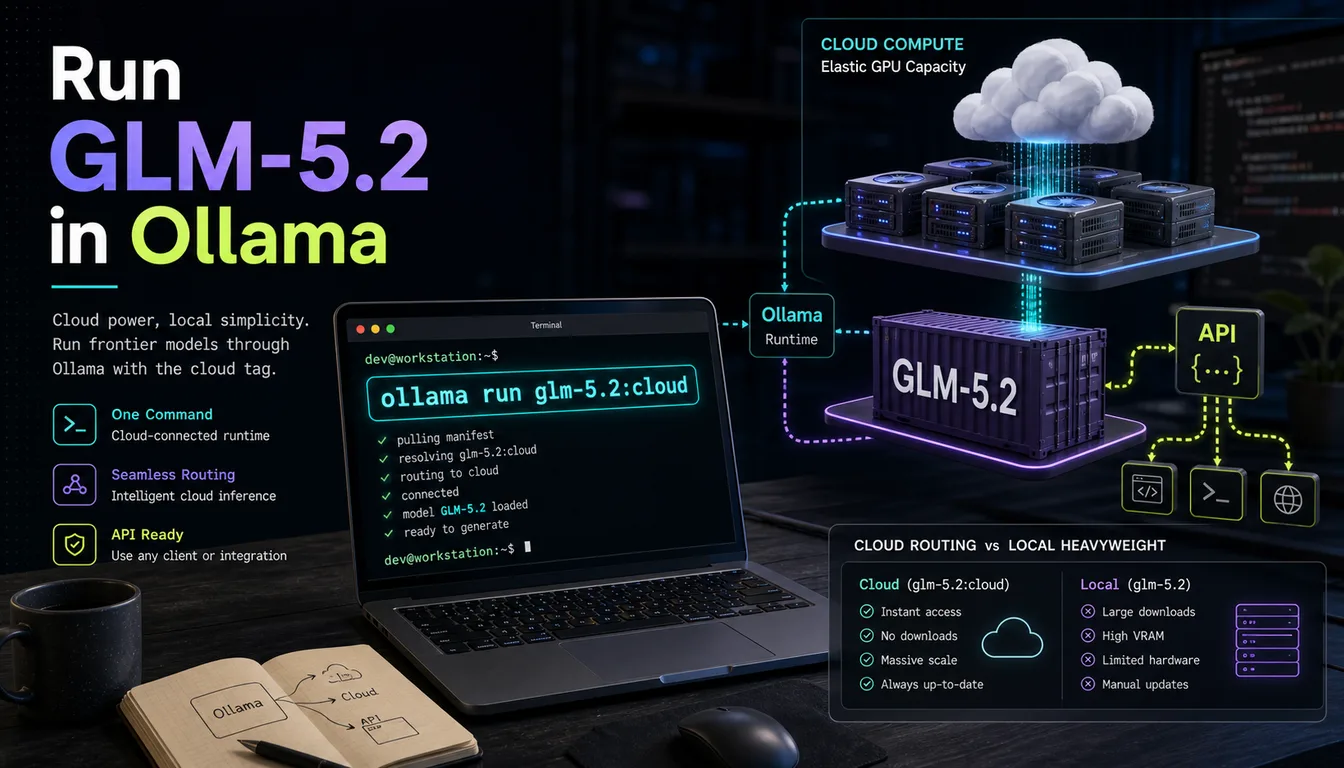
A practical guide to running Kimi K2.6 through Ollama using the official kimi-k2.6:cloud entry — setup commands, coding-agent integrations, and what cloud-backed Ollama means for your workflow.

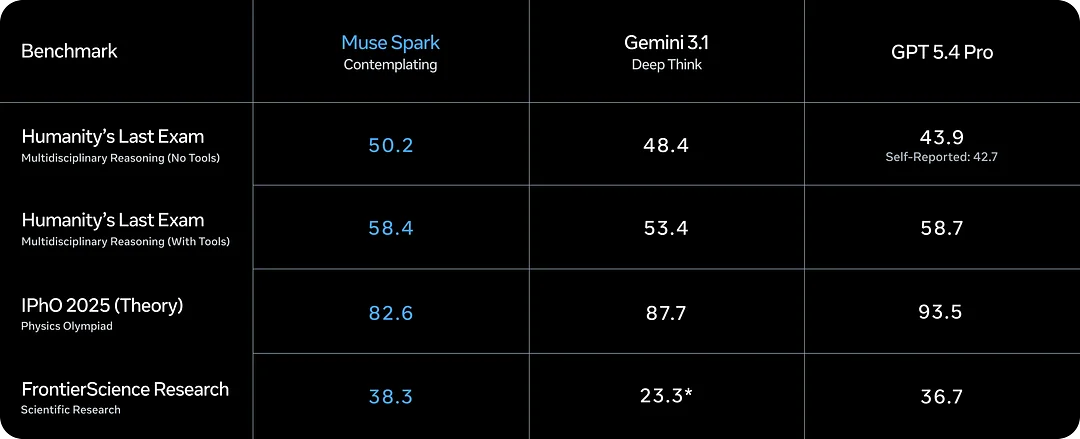
Muse Spark is Meta's new AI model from Meta Superintelligence Labs. This guide covers capabilities, Contemplating mode, benchmarks, and what to watch before you commit to it.

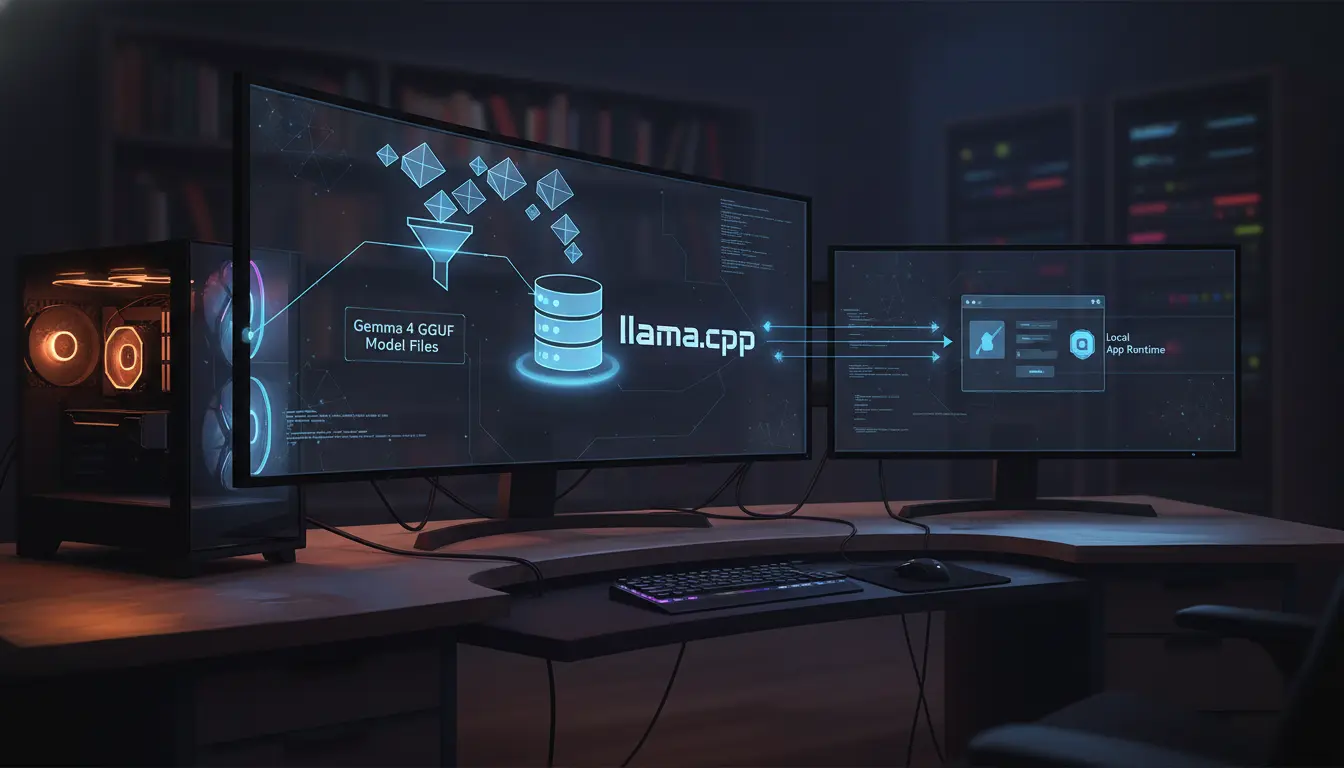
A practical answer to whether llama.cpp supports Gemma 4, with the official GGUF links, current support status, and what 'supported' really means.

A clear answer to whether LM Studio supports Gemma 4, with the supported model list, minimum memory, and practical setup expectations.

A practical answer to whether Unsloth supports Gemma 4, covering local run support, fine-tuning support, and the model-specific caveats that matter.

A practical Gemma 4 on iPhone guide covering iOS setup, model choice, device fit, offline use, and what performance to expect.

Use this Gemma 4 API guide to build a local OpenAI-compatible endpoint, test it quickly, and choose the right runtime for your workflow.

A practical Gemma 4 on Windows setup guide covering hardware checks, Ollama, LM Studio, model choice, and the most common Windows issues.

Use this step-by-step guide to fine-tune Gemma 4 with Unsloth, choose the right model for your hardware, and export the result for Ollama, llama.cpp, or LM Studio.

Use this Gemma 4 GGUF download guide to pick a trusted source, choose the right file, and get from download to first local response with less guesswork.

Use this Gemma 4 review to understand the model family, the most important Gemma 4 benchmark numbers, and the real deployment tradeoffs before you commit.

If you are asking what is Gemma 4, this guide explains the release, model sizes, context limits, licensing, and the easiest ways to get started.

Google AI Studio is one of the fastest ways to evaluate hosted Gemma 4 access, especially if you are not ready to commit to local setup yet.

Use this guide to understand where Unsloth fits into a Gemma 4 workflow and what to decide before you jump into tuning.

A practical LM Studio guide for Gemma 4, focused on model choice, hardware fit, first-run workflow, and what to check before you blame the model.

Everything you need to get Gemma 4 running locally with llama.cpp: hardware tables, copy-paste build commands, quantization guide, and multimodal setup.
Hardware requirement pages and machine-specific planning guides so you can avoid downloading the wrong model first.

A focused Gemma 4 26B A4B VRAM requirements guide with exact GGUF sizes, planning ranges, and why the 26B is the local sweet spot.

A focused Gemma 4 31B VRAM requirements guide with exact GGUF sizes, planning ranges, and honest advice on what hardware makes sense.

A focused Gemma 4 E2B VRAM requirements guide with exact file sizes, practical planning ranges, and honest advice on when E2B is the right fit.

A focused Gemma 4 E4B VRAM requirements guide with exact sizes, planning ranges, and practical advice for laptop-class local AI.

If you are asking whether a Mac mini can run Gemma 4, the real answer depends on which Gemma 4 model you mean and what kind of experience you expect.

A practical Gemma 4 hardware guide with the official approximate memory table and simple advice on which model to try first.

The fastest path from zero to a working Gemma 4 local run: the right tag, the right hardware check, and the right command — without wasting time on the wrong model.