Use this Free Chatbot Online to ask questions, draft replies, summarize documents, and keep every conversation in one place.
Loading conversation...
You get a cleaner workflow than juggling separate tabs, copied prompts, and scattered notes.
Move from a rough idea to a useful answer in the same thread, with context carried forward each turn.
Signed-in sessions are saved server-side, so you can return to a conversation instead of starting over.
Draft emails, summarize research, compare options, and turn notes into next steps without extra tooling.
This Free Chatbot Online is designed to help you get to a useful result quickly, not just produce a flashy demo.
Start with Gemma 4 31B IT or switch to the free Qwen3.6 Plus route when you want a no-credit alternative. For the newest Qwen Plus line, compare against Qwen3.7 Plus separately.
Use the Think toggle for tasks that benefit from step-by-step analysis, then hide the reasoning when you only need the answer.
Open a fresh chat, continue an existing thread, and keep inputs, outputs, and follow-up prompts in one place.
The best sessions usually move through three stages: ask clearly, keep the context, and shape the answer into something you can use.
Open the chat and go straight from question to reply. The layout is built to keep your prompt, the model response, and your follow-up in one focused place.
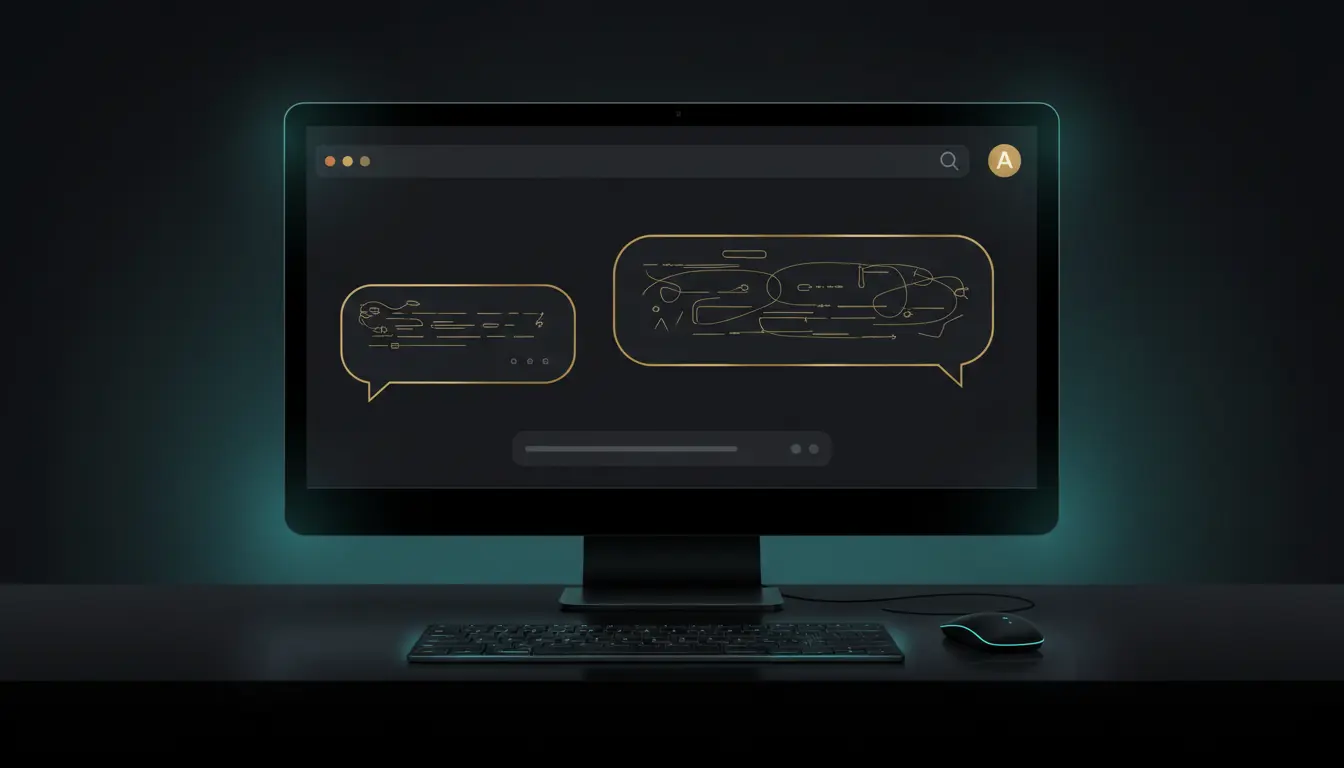
Saved threads make it easier to continue research, drafts, and planning work. You can revisit the same conversation link and keep building on what is already there.
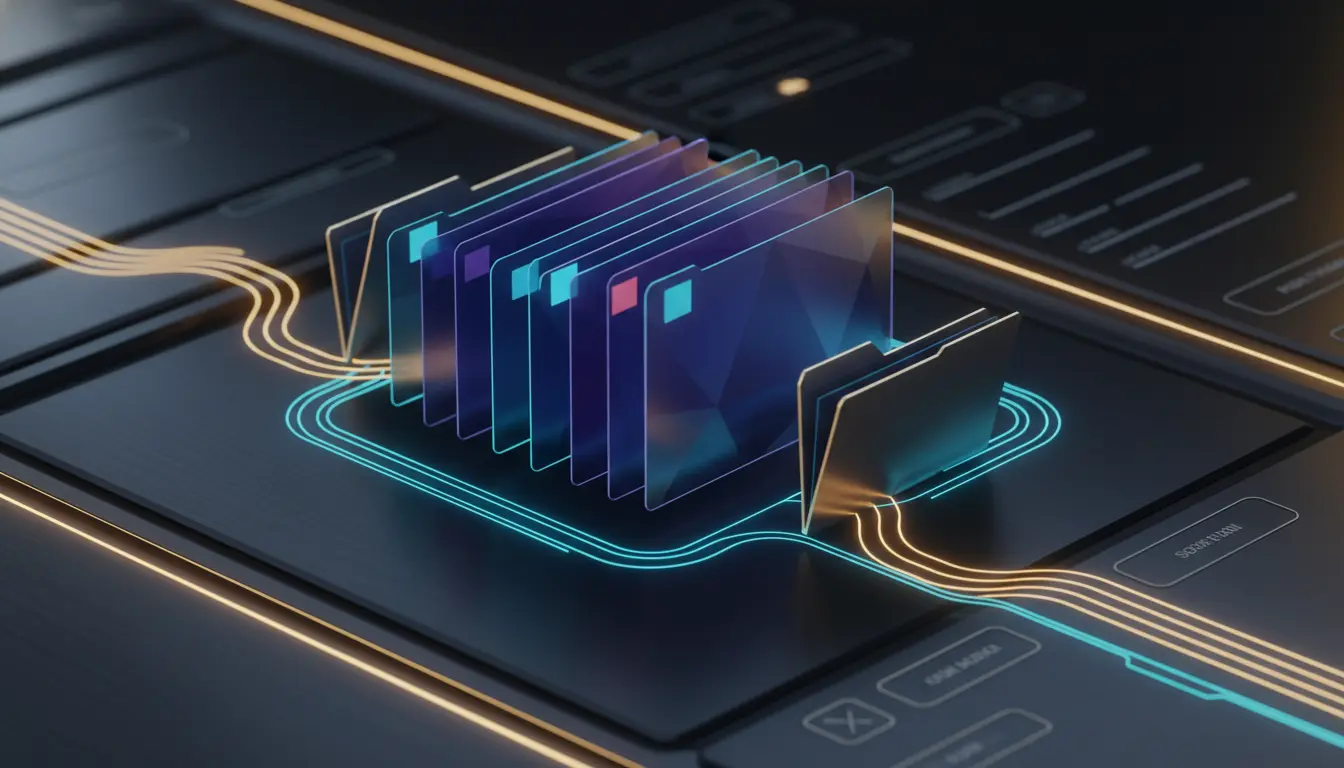
Use Free Chatbot Online to rewrite a draft, structure ideas into bullets, or convert scattered notes into a clearer summary, outline, or action list.
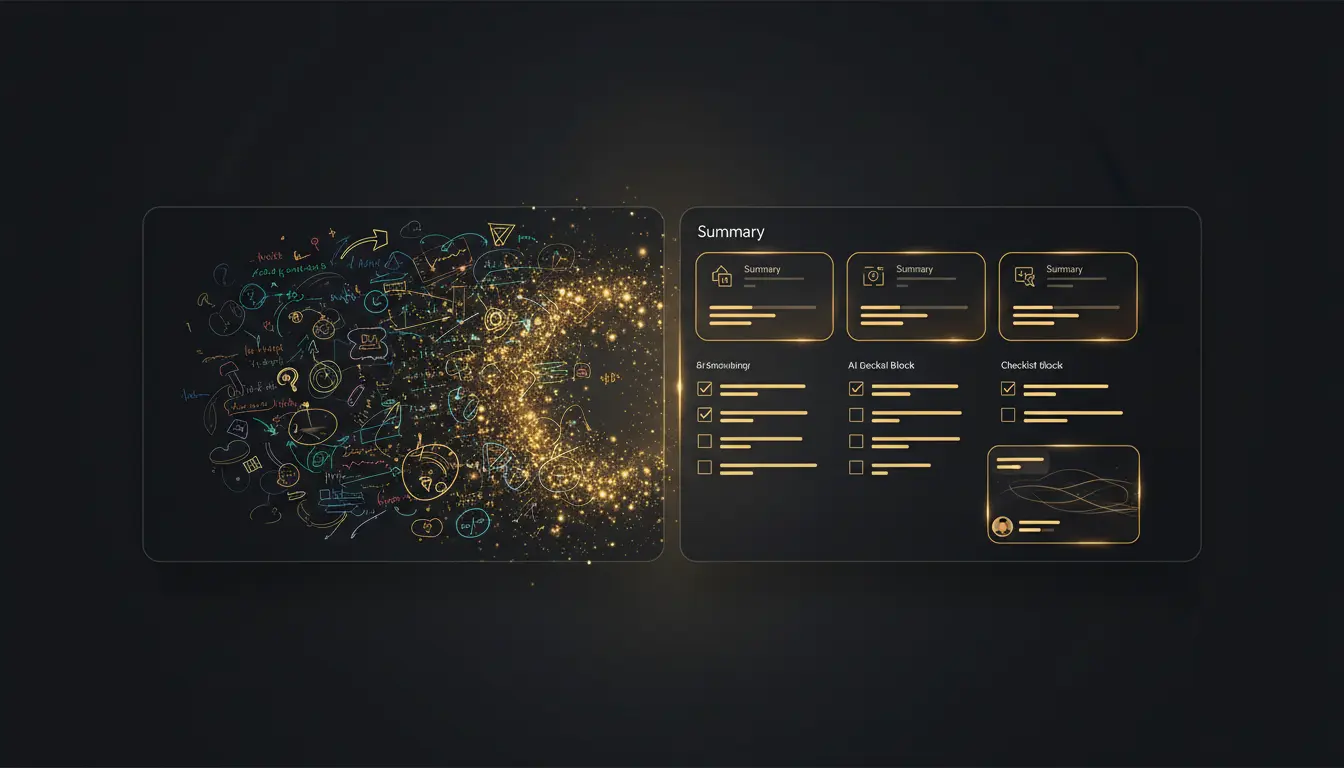
A simple three-step flow keeps the chat focused and makes better prompts easier to repeat.
Paste the question, notes, or draft you already have. Clear context usually beats perfect prompt wording.
Tell the model what you want back, such as bullets, a table, an email, or a short action plan.
Use follow-up turns to shorten, expand, or change tone so the answer fits your exact use case.
Quick answers before you use Free Chatbot Online on AvenChat.
You can view the interface right away, but sending messages requires sign-in so the app can save conversations to your account.
Summaries, rewrites, research comparisons, reply drafts, brainstorming, and structured outputs like bullets or action plans all work well.
Yes. When you are signed in, conversations are stored server-side and can be reopened from the same chat link.
There is a free option available through Qwen3.6 Plus (Free). Qwen3.7 Plus is the newer Qwen Plus line, but this page keeps Qwen3.6 Plus as the free route while availability lasts.
The chat currently offers Gemma 4 31B IT and Qwen3.6 Plus (Free). Qwen3.7 Plus is newer, but it is not the free OpenRouter route used here.
Yes. The chat page is responsive, so you can open it on phones, tablets, and desktop browsers without a separate app.
Your conversations are tied to your account and saved server-side so you can reopen them later. As with any online AI tool, avoid pasting highly sensitive information unless you are comfortable storing it.
This chat experience is strongest for pasted text right now. If you want a summary or rewrite, the most reliable path is to paste the relevant content into the conversation.
This landing page is built around a Free Chatbot Online workflow with saved threads, model switching, reasoning controls, and a simpler path from question to usable output.
Sign in before your first message to save the conversation.
