
Gemma 4 Guides
How to Use Kimi K2.6 in Ollama: Cloud Model, Setup, and Limitations
How to Use Kimi K2.6 in Ollama: Cloud Model, Setup, and Limitations
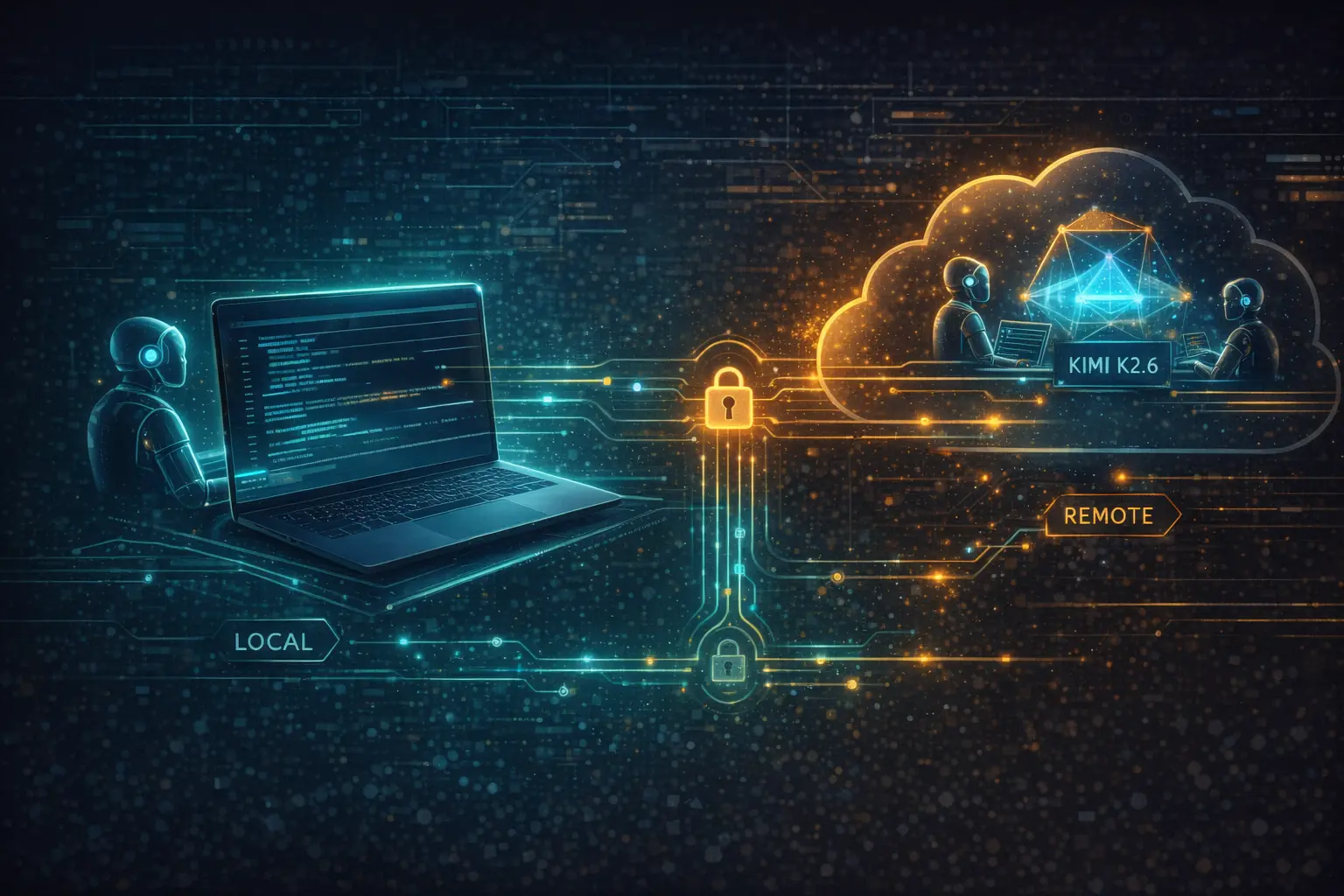
If you searched for "Kimi K2.6 Ollama" expecting to ollama pull a local copy of the weights onto your laptop, there is one thing you need to know upfront: the official Ollama entry for Kimi K2.6 is a cloud model, not a local one. That single detail changes how you set it up, how billing works, and whether it fits your workflow at all.
This guide walks through what kimi-k2.6:cloud actually is, how to run it from the CLI and from Python or JavaScript, which coding agents it plugs into, and when you should reach for the official Moonshot API instead.
Quick answer
- The Ollama library lists one Kimi K2.6 entry:
kimi-k2.6:cloud. - You start it with
ollama run kimi-k2.6:cloud. - It runs on Ollama's cloud, not on your local GPU — the weights are not downloaded to your machine.
- Context window is 256K. Inputs: text and image. Tags on the page include
vision,tools,thinking, andcloud. - It works with Claude Code, Codex, OpenCode, and OpenClaw through
ollama launch.
What the official Ollama page actually offers
The Ollama library page for Kimi K2.6 currently has a single model entry: kimi-k2.6:cloud, tagged vision tools thinking cloud. The listed context window is 256K and inputs are text and image.
Ollama also provides one-line launch commands for popular coding agents:
ollama launch claude    --model kimi-k2.6:cloud
ollama launch codex     --model kimi-k2.6:cloud
ollama launch opencode  --model kimi-k2.6:cloud
ollama launch openclaw  --model kimi-k2.6:cloud
That's the complete surface area Ollama exposes for K2.6 today. There is no quantized local tag (no kimi-k2.6:1t-q4, no kimi-k2.6:32b, no GGUF in the official library). If you want the weights for self-hosting, you go to Hugging Face at moonshotai/Kimi-K2.6 — that is a separate path covered in our Hugging Face guide.
How to run Kimi K2.6 in Ollama
Make sure you have Ollama installed and your account is signed in so cloud models can be routed. Then pick the interface you prefer.
CLI
ollama run kimi-k2.6:cloud
This opens an interactive chat. Type a prompt, press enter, and the request goes to Ollama's cloud. Your laptop does essentially no inference work — it is just a client.
curl (OpenAI-style chat API)
curl http://localhost:11434/api/chat \
  -d '{
    "model": "kimi-k2.6:cloud",
    "messages": [
      {"role": "user", "content": "Write a Rust function that reads CSV and returns column sums."}
    ]
  }'
Python
from ollama import chat

response = chat(
    model="kimi-k2.6:cloud",
    messages=[{"role": "user", "content": "Hello!"}],
)
print(response.message.content)
JavaScript
import ollama from 'ollama'

const response = await ollama.chat({
  model: 'kimi-k2.6:cloud',
  messages: [{ role: 'user', content: 'Hello!' }],
})
console.log(response.message.content)
All four paths hit the same cloud backend. The local 11434 port is just the Ollama client listening on your machine and forwarding the request.
What "kimi-k2.6:cloud" actually means
This is the part that trips up most people: "Ollama + Kimi K2.6" is not the same thing as running a 1T-parameter model on your own GPU.
When you ollama run llama3.3:70b, the weights get downloaded to your disk and inference happens on your hardware. When you ollama run kimi-k2.6:cloud, nothing of the sort happens. Kimi K2.6 is a Mixture-of-Experts model with roughly 1 trillion total parameters and 32 billion active per token — the full weights alone are well over a terabyte on disk and practically require a multi-GPU server to serve. Ollama's :cloud tag is a convenience: you keep the same ollama CLI, same SDKs, same coding-agent integrations, but the model actually runs on managed infrastructure, not locally.
That design choice is reasonable — almost nobody has the hardware to run K2.6 locally at full precision — but it means three things that matter for planning:
- You need a working internet connection for every request.
- Usage is metered through Ollama's cloud, not free on your own hardware.
- If Ollama's cloud backend is degraded, your
ollama run kimi-k2.6:cloudstops working, no matter how powerful your local machine is.
If you wanted "K2.6 on my own GPU," you need the Hugging Face weights and an engine like vLLM, SGLang, or KTransformers — not Ollama.
What works well with it
The reason kimi-k2.6:cloud is showing up in search right now is that coding-agent users are looking for alternatives to the default Claude or GPT backends, and Moonshot has positioned K2.6 squarely at agentic coding. The model's launch materials highlight long-horizon coding across Rust, Go, and Python, a 300-sub-agent swarm capability, and integrations with several popular CLI coding tools.
Through Ollama, you can attach K2.6 to:
- Claude Code — run the CLI coding agent with K2.6 as the backing model instead of Claude.
- Codex — point Codex's agent loop at K2.6 for multi-step code tasks.
- OpenCode — the open-source terminal-first coding agent.
- OpenClaw — a persistent, long-running agent runtime.
Each uses the same syntax: ollama launch <agent> --model kimi-k2.6:cloud. You get K2.6's 256K context, native vision input, and thinking mode without writing any glue code.
What the limitations are
There are real tradeoffs to picking kimi-k2.6:cloud over the official Moonshot API or self-hosting from Hugging Face:
Not offline. Cloud-backed means no air-gapped deployments, no on-plane workflows without connectivity, no guarantee of behavior if your network is blocked from Ollama's cloud.
Weaker control surface. You do not pick the exact inference engine, exact quantization, or exact system prompt template. You take what Ollama's cloud serves.
Different cost model. Pricing is set by Ollama's cloud plan, not by Moonshot's token prices. If you already have a Moonshot API key with committed spend, going through Ollama may double up.
Feature lag. Some K2.6 features — particularly video input, which Moonshot flags as experimental and "only supported in our official API for now" — may not be available through third-party cloud routing. Image input works; video input should be tested before relying on it.
Upstream dependency. If Moonshot updates the model card or deprecates a behavior, the Ollama cloud backend has to catch up. It is one more hop in the chain.
Should you use Ollama or the official Kimi API?
The honest answer depends on what you are optimizing for.
| You want… | Pick |
|---|---|
| Drop-in model swapping in Claude Code / OpenCode / OpenClaw | Ollama cloud |
| OpenAI-SDK compatibility with official Moonshot billing and docs | Kimi API |
| Full control over inference engine and quantization | Hugging Face + vLLM / SGLang / KTransformers |
| Offline or air-gapped deployment | Self-host from Hugging Face |
| Fastest path to "just try it" | Ollama cloud |
If you are already inside the Ollama ecosystem and you want to test K2.6 on a coding task in the next five minutes, ollama run kimi-k2.6:cloud is the shortest distance. If you are going to production, planning a real budget, or building around K2.6's full feature set (including video), the official Moonshot API is more predictable, and self-hosting is more controllable.
Final recommendation
For most developers evaluating K2.6, here is how to think about the three paths:
- Individual developer trying it on an existing coding agent: start with
ollama run kimi-k2.6:cloud. Zero friction, works with your existing CLI tools. - Team building a product on Moonshot models: use the official Kimi API directly. You get first-party docs, first-party billing, and full feature coverage including video input.
- Infra-heavy team with spare GPUs: pull from
moonshotai/Kimi-K2.6on Hugging Face and deploy with vLLM or SGLang. This is the only path that gives you true offline capability.
Ollama's kimi-k2.6:cloud is an excellent way to try the model — just go in knowing it is a routing convenience, not a local deployment.
FAQ
Does Ollama support Kimi K2.6?
Yes, through the kimi-k2.6:cloud entry in the official Ollama library. It is a cloud model tagged with vision, tools, thinking, and cloud.
Is Kimi K2.6 in Ollama local or cloud? Cloud. The weights are not downloaded to your machine. Ollama's CLI and SDKs forward requests to Ollama's cloud backend, which serves the model.
What is kimi-k2.6:cloud?
It is the single model tag Ollama currently publishes for Kimi K2.6. The :cloud suffix distinguishes it from local model tags and signals that inference happens on managed infrastructure rather than on your hardware.
Can you use Kimi K2.6 with Claude Code through Ollama?
Yes. Run ollama launch claude --model kimi-k2.6:cloud to start Claude Code with Kimi K2.6 as the model. Codex, OpenCode, and OpenClaw use the same pattern.
Does Kimi K2.6 in Ollama support images? Yes — the Ollama model card lists text and image as supported inputs. Video input is flagged by Moonshot as experimental and currently guaranteed only on the official Moonshot API, so test it before depending on it through Ollama.
Can I run Kimi K2.6 fully offline with Ollama?
No. kimi-k2.6:cloud requires connectivity to Ollama's cloud backend. If you need offline, pull the weights from Hugging Face (moonshotai/Kimi-K2.6) and self-host with vLLM, SGLang, or KTransformers.
Related guides
Continue through the Gemma 4 cluster with the next guide that matches your current decision.
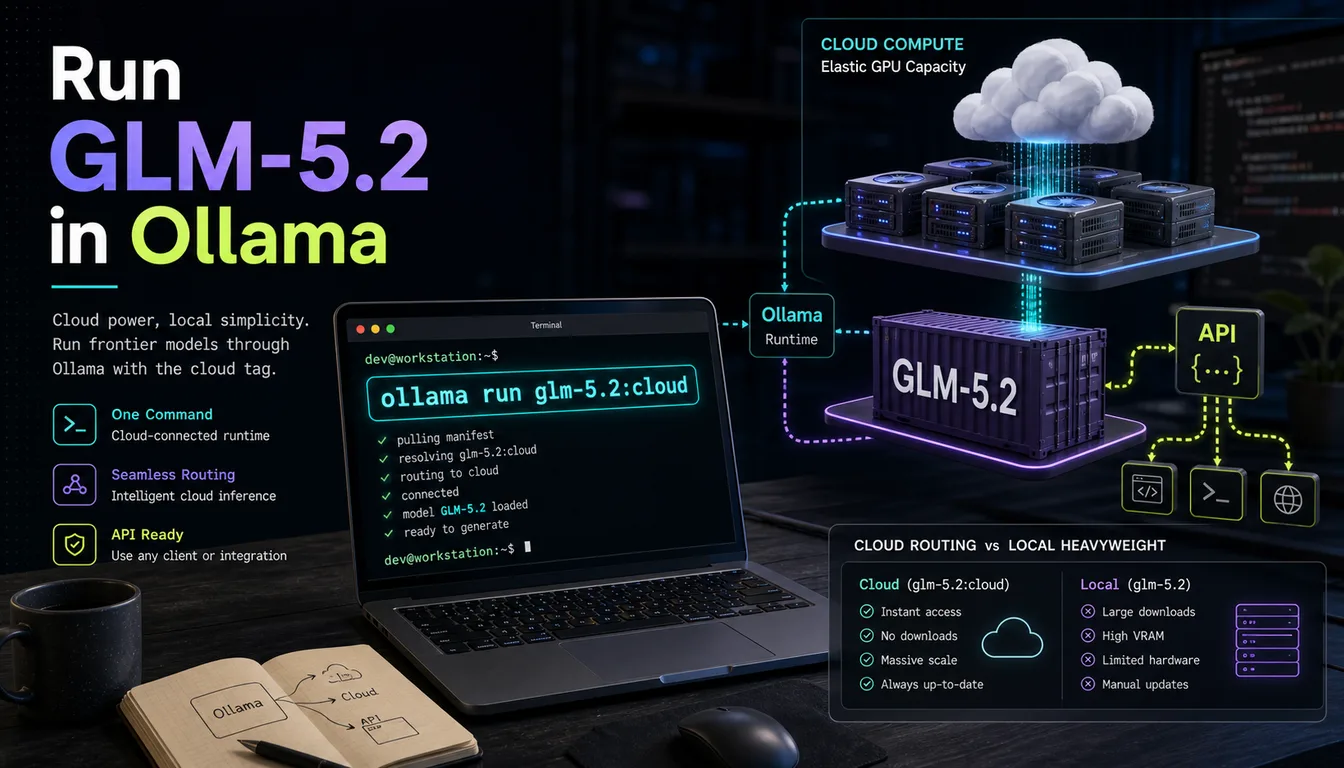
How to Run GLM-5.2 in Ollama: Cloud Tag, Local Setup & API Guide
GLM-5.2 is available in Ollama via the glm-5.2:cloud tag — one command gets you a 976K-context coding model without managing a 744B-parameter download yourself.
Gemma 4 API Guide: Local OpenAI-Compatible Setup
Use this Gemma 4 API guide to build a local OpenAI-compatible endpoint, test it quickly, and choose the right runtime for your workflow.

How to Run Gemma 4 in Ollama: Tags, Hardware, and First Run
The fastest path from zero to a working Gemma 4 local run: the right tag, the right hardware check, and the right command — without wasting time on the wrong model.
Still deciding what to read next?
Go back to the guide hub to browse model comparisons, setup walkthroughs, and hardware planning pages.