
Gemma 4 Guides
Kimi K2.6 API Key and Pricing: Updated for K2.7 Code

Kimi K2.6 API Key and Pricing: Official Costs, Rate Limits, and K2.7 Code
If you are about to sign up for a Kimi API key to run K2.6, the token price is only part of the picture. Caching, rate limit tiers, tool fees, and agent-style retries all quietly shape your monthly bill. This guide walks through each one using the numbers currently published on Kimi's platform pages.
June 2026 update: Kimi's platform now lists K2.7 Code as the stronger coding model. K2.6 remains relevant for existing integrations and general multimodal agent work, but new coding-agent evaluations should include K2.7 Code.
Quick answer
- Kimi K2.6 uses the Moonshot OpenAI-compatible API at
https://api.moonshot.ai/v1— any OpenAI SDK works as a drop-in client. - Official global pricing shown on Kimi's platform page:
- K2.6: cache hit $0.16 / MTok, input $0.95 / MTok, output $4.00 / MTok
- K2.7 Code: cache hit $0.19 / MTok, input $0.95 / MTok, output $4.00 / MTok
- K2.6 context window: 262,144 tokens
- You get an API key by signing up at
platform.moonshot.aiand creating one in the console. - Tool fees such as built-in web search can be billed separately; check the current tools pricing page before budgeting a production agent.
- Rate limits are tier-based and can change by account status and recharge history; check the console limits page before benchmarking.
Everything below unpacks these numbers and the landmines around them.
How to create a Kimi API key
The flow is the same as most LLM providers:
- Go to
platform.moonshot.aiand sign in (or sign up). - Verify your account if prompted.
- Open the API keys section of the console and click Create API key.
- Copy the key immediately — it is shown once.
- Optional but recommended: set a budget cap and a balance-low alert on your account before running any workload.
Treat the key like a password: store it in an environment variable or secret manager, not in source files. If you leak it, rotate it from the same console page.
One thing worth flagging for new accounts: Moonshot operates tier-based rate limits that can vary by account status, recharge history, and current platform policy. A brand-new account usually has tight limits — fine for a handful of test requests, not fine for an always-on coding agent. See the rate-limits section below before you start benchmarking.
Kimi K2.6 official pricing
The numbers currently published on Kimi's global pricing page:
| Model | Cache hit | Input | Output | Notes |
|---|---|---|---|---|
| Kimi K2.6 | $0.16 / MTok | $0.95 / MTok | $4.00 / MTok | General K2.6 pricing shown by Kimi |
| Kimi K2.7 Code | $0.19 / MTok | $0.95 / MTok | $4.00 / MTok | Newer coding-focused option |
Two things to notice. First, Kimi's global platform now presents these prices in USD per million tokens (MTok); if your account uses a China/RMB console, verify the local billing page before quoting costs. Second, cache-hit input is much cheaper than normal input. That single line item dominates the economics of long-context and agent workloads.
What "cached input" vs "uncached input" means
Moonshot, like most frontier providers, implements context caching: when parts of your prompt have been seen recently, the server skips recomputing the prefix and charges a much lower rate for those tokens.
Concretely:
- Cache hit (cached input) — a prefix you already sent (system prompt, prior turns of the conversation, large document context) matches what is cached server-side. You pay the cached rate.
- Cache miss (uncached input) — new prompt content, a different ordering, or a prefix that has aged out of cache. You pay the full uncached rate.
Why this matters for real workflows:
- Long-context RAG — if you stuff a 100K-token knowledge base into the system prompt and reuse it across requests, caching turns a painful bill into a cheap one.
- Agent loops — each step in a tool-using agent typically re-sends the system prompt, tool schemas, and the running conversation. Without caching, every step pays uncached rates. With caching, only the newly appended tool result and assistant turn cost full price.
- Identical prompts, different users — if two users hit your service with the same system prompt, the second one benefits from caching.
The practical implication: design your prompts so the stable, reusable parts (instructions, long documents, tool definitions) come first, and the user-specific, changing parts come last. That maximizes cache hit rate and can cut input costs by a factor of five or more.
OpenAI-compatible request format
Moonshot's API is OpenAI-compatible, which means any OpenAI SDK works with a new base URL and API key.
curl
curl https://api.moonshot.ai/v1/chat/completions \
  -H "Authorization: Bearer $MOONSHOT_API_KEY" \
  -H "Content-Type: application/json" \
  -d '{
    "model": "kimi-k2.6",
    "messages": [
      {"role": "user", "content": "Explain caching in one paragraph."}
    ]
  }'
Python (OpenAI SDK)
from openai import OpenAI

client = OpenAI(
    api_key="your-moonshot-api-key",
    base_url="https://api.moonshot.ai/v1",
)

response = client.chat.completions.create(
    model="kimi-k2.6",
    messages=[
        {"role": "user", "content": "Write a Python function to debounce calls."}
    ],
)
print(response.choices[0].message.content)
Thinking vs Instant mode
K2.6 defaults to Thinking mode. To force Instant (no reasoning tokens), pass:
response = client.chat.completions.create(
    model="kimi-k2.6",
    messages=[...],
    extra_body={"thinking": {"type": "disabled"}},
)
Thinking mode generates reasoning tokens you pay for as output. If you do not need it, disabling it is a cheap win.
Multimodal input
K2.6 is natively multimodal — text, image, and video input. Images are straightforward via the standard OpenAI image_url content part. Video input is supported on the official API (Moonshot flags it as experimental for third-party deployments), so test it end-to-end if your product depends on it.
Rate limits and account tiers
Moonshot applies per-account tier rate limits. The progression is based on account status and recharge history, and the exact figures can change over time.
Check the limits page in the platform console before sizing a workload. A few guidelines:
- Free or entry tiers are fine for validation. You can write the integration, run a handful of test calls, and confirm the OpenAI SDK works.
- Entry limits are not enough for coding agents. Any real agent loop needs enough RPM, concurrency, and token throughput to avoid constant backoff.
- Commit early to get throughput. The cheapest way to unblock a real workload is usually moving to the tier your benchmark needs, not optimizing around the smallest limits.
Extra costs people miss
The per-token table is not the whole story. Three categories of cost quietly show up in production.
Built-in web search and other tools. Moonshot offers tools such as $web_search that the model can call during a generation. Tool pricing can change separately from model-token pricing, and search result content then gets inserted into the next /chat/completions request as additional input tokens. A chatty agent that searches ten times per user turn can pay both tool fees and the extra input tokens those results create.
Reasoning tokens. In Thinking mode, the model generates internal reasoning tokens that count as output. On simple questions this is fine. On an agent that calls tools in a loop, the accumulated reasoning across 50 tool calls can easily be your largest line item. If the task does not need it, turn Thinking off.
Agent retries and long-horizon loops. Moonshot's own materials highlight K2.6 executing 4,000+ tool calls over 12 hours. That is impressive capability — and a very real bill. Long-horizon agent demos are genuinely useful, but they are also the fastest way to burn a large budget without noticing. Always cap max steps and max tokens when running agent workflows.
Cache-miss patterns. Reordering your prompt, changing your system message frequently, or serving many unique users with unique context all hurt cache hit rates. If you see your "input" line item looking bigger than expected, caching is usually the reason.
Is Kimi K2.6 free?
There are three different "free" questions, and they have three different answers:
Using Kimi in the browser at kimi.com. Moonshot's consumer products typically include a free tier with daily usage caps. That is not the API — conversations there do not spend API credits.
Using the Kimi K2.6 API without paying. Entry-level or promotional access may let you make a small number of calls without topping up. That is enough for integration testing, not for any sustained workload. Production API usage should be treated as paid.
Using Kimi K2.6 via Ollama cloud, OpenRouter, or similar. Those are separate billing systems with their own free credits and pricing. They are not "the Kimi API" even though they route to the same model.
So: there is a free way to try it, but there is no free way to run a production workload on K2.6 through the official API.
How to control Kimi API cost
A short checklist before you scale up:
- Set a hard budget cap in the console. Your future self will thank you.
- Enable balance-low alerts so you find out about unexpected spend before the credit card does.
- Always pass
max_tokenson output, especially in agent loops where the model could otherwise talk forever. - Put stable context first, user-specific content last — maximize cache hits.
- Disable Thinking mode for tasks that don't need it.
- Gate
$web_searchbehind explicit intent; do not let every prompt trigger it. - Bound agent loops with a max-step counter and a wall-clock timeout.
- Log per-request input vs output vs cached-input tokens so you can see where cost is actually going.
Final recommendation
If you are evaluating Kimi for a coding agent or long-context workflow, the cost structure is workable but not automatic. The headline token prices are competitive, and the cache-hit rate is useful — but only if you structure your prompts to hit the cache. For new coding-agent work, compare K2.6 with K2.7 Code rather than assuming the older model is still the default best choice.
For most teams, the right starting point is: build your integration, measure your actual cache-hit rate and token distribution in production, verify your account's current rate limits, and only then decide whether K2.6, K2.7 Code, or another model has the right cost-per-task profile.
FAQ
How do you get a Kimi API key?
Sign in at platform.moonshot.ai, open the API keys section, and create a new key. Copy it immediately; it is only shown once. Set a budget cap at the same time.
How much does Kimi K2.6 cost? On the global pricing page, K2.6 is listed at $0.16 / MTok for cache hits, $0.95 / MTok for input, and $4.00 / MTok for output. K2.7 Code is listed at $0.19 / MTok for cache hits, $0.95 / MTok for input, and $4.00 / MTok for output. Check your local console if your account bills in RMB.
Is Kimi K2.6 free to use? The consumer product at kimi.com may have its own free tier separate from API billing. API accounts can also have entry-level or promotional access, but production API workloads should be budgeted as paid usage.
Does Kimi API support OpenAI SDKs?
Yes. The Kimi API is OpenAI-compatible. Point any OpenAI SDK at https://api.moonshot.ai/v1 with your Moonshot key and set model to kimi-k2.6.
What are the Kimi API rate limits? Limits are tier-based and can vary by account status, recharge history, and current platform policy. Use the live console limits page for production sizing rather than copying a stale RPM table.
How much does Kimi web search cost? Check the current tools pricing page. Web search or similar tools can be billed separately from model tokens, and the returned content can also increase the next request's input-token bill.
Can I use Kimi K2.6 with tools and function calling?
Yes. K2.6 supports tool use and function calling in the same style as OpenAI. Note one constraint from Moonshot's docs: when Thinking mode is enabled, tool_choice should be auto or none, and you must preserve the assistant's reasoning_content across tool-calling turns.
Related guides
Continue through the Gemma 4 cluster with the next guide that matches your current decision.
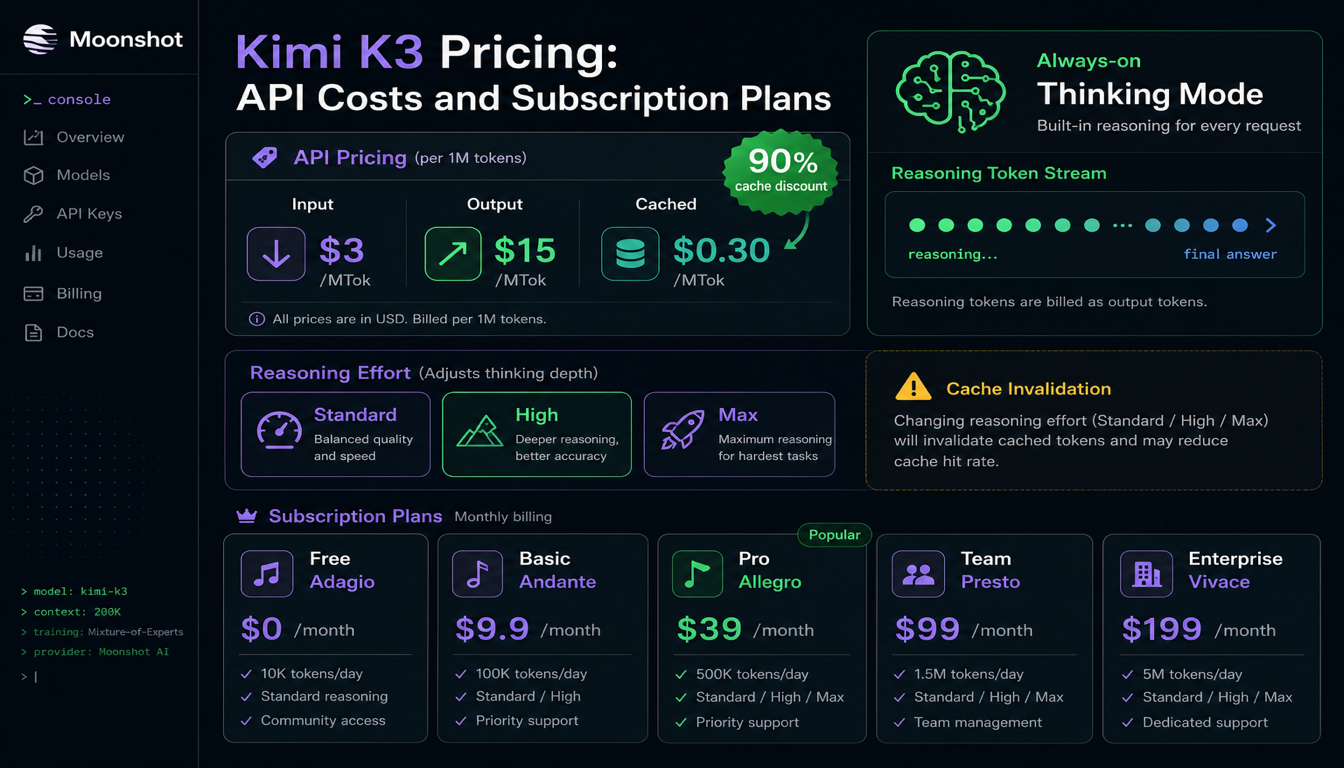
Kimi K3 Pricing: API Costs, Subscription Plans, and What's Actually Free
Kimi K3's API is $3 per million input tokens and $15 per million output — but the always-on thinking mode means you're paying for reasoning tokens on every single call. Here's what that actually costs.

Kimi K2.6 Review: Benchmarks, API, and K2.7 Code Update
Kimi K2.6 arrived on April 20, 2026 as an open-weight agentic coding model with 256K context, native vision and video input, and an aggressive agent-swarm story. This review breaks down what's real, what's marketing, and who should actually switch.
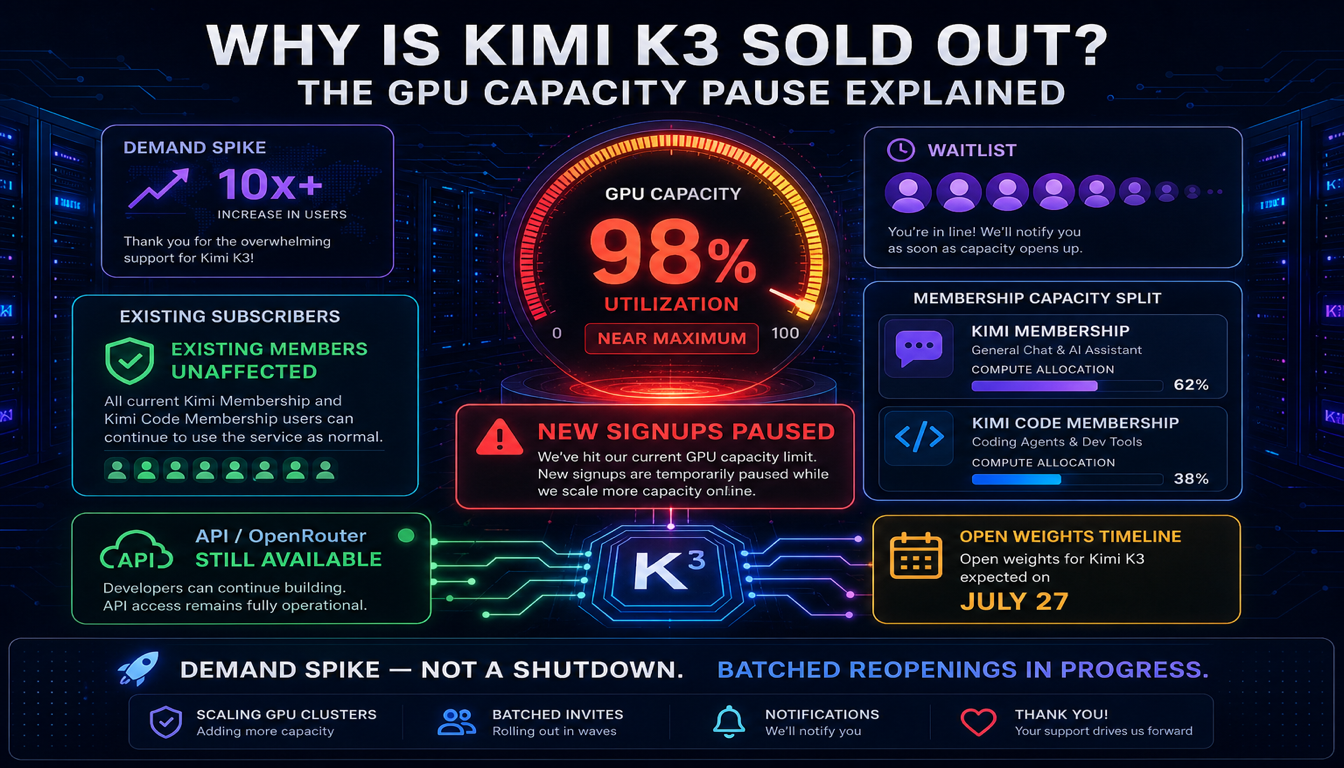
Why Is Kimi K3 Sold Out? The GPU Capacity Pause Explained
Kimi K3 isn't discontinued or actually "sold out" — Moonshot paused new subscription signups after demand maxed out its GPU capacity within 48 hours of launch. Here's what that means if you're trying to get access right now.
Still deciding what to read next?
Go back to the guide hub to browse model comparisons, setup walkthroughs, and hardware planning pages.