
Gemma 4 Guides
GLM 5.2 Hardware Requirements: RAM, VRAM, and GPU Guide
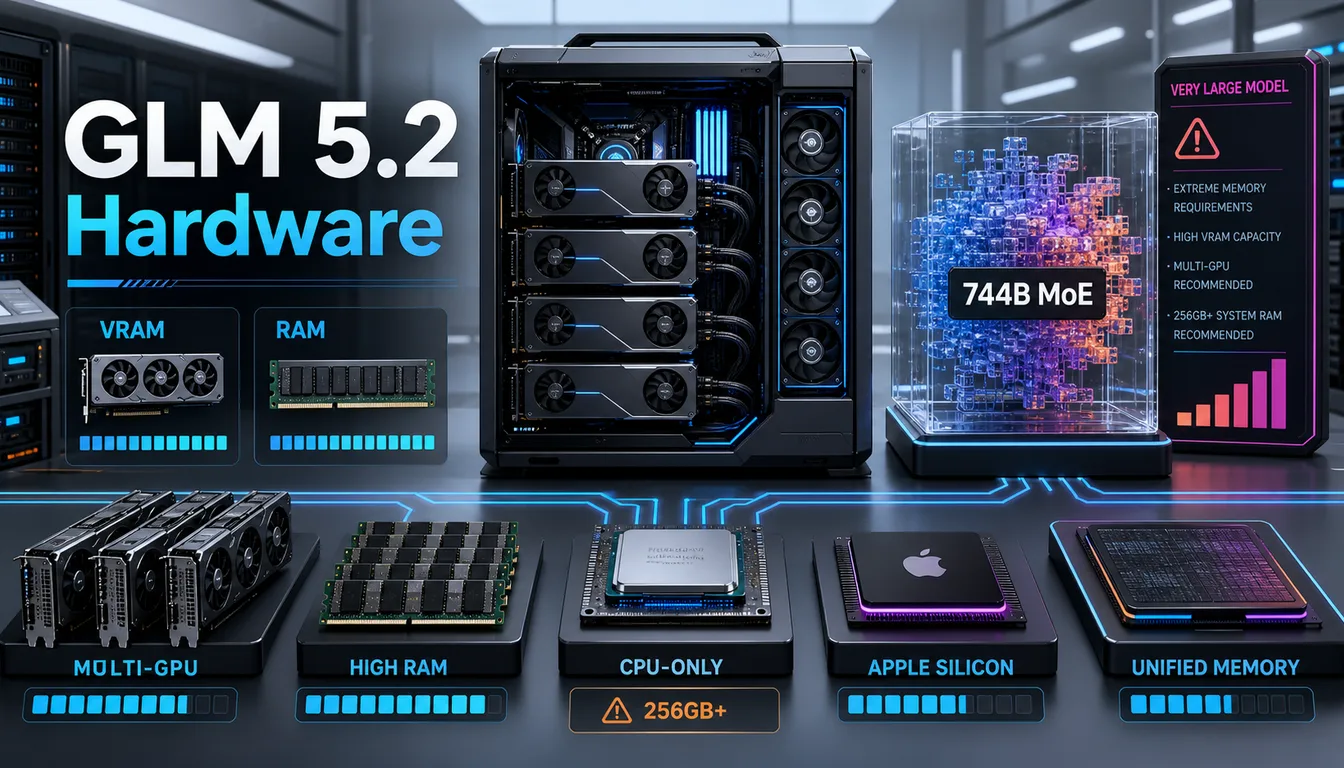
GLM 5.2, released by ZhipuAI on June 13, 2026, is one of the most capable open-weight models available today. With 744 billion total parameters and a Mixture-of-Experts (MoE) architecture that keeps only ~40 billion parameters active per token, it delivers frontier-level performance — but running it locally demands serious hardware. This guide covers exactly what you need, from minimum viable setups to high-performance configurations. If you are still evaluating whether GLM 5.2 is worth the hardware investment, see our full GLM 5.2 review and benchmark results first.
Quick Answer
| Quantization | File Size | RAM / VRAM Needed | Best Hardware |
|---|---|---|---|
| FP16 (full precision) | ~1.51 TB | ~1,642 GB VRAM | Data center only (multiple H100 nodes) |
| FP8 | ~744 GB | ~744 GB+ VRAM | 8× H200 (1,128 GB aggregate) |
| INT4 / Q4 | ~411 GB | ~411 GB VRAM | 8× A100 80 GB or equivalent |
| 2-bit Dynamic (UD-IQ2_M) | ~239 GB | ~245 GB RAM/Unified | M4 Ultra Mac Studio (256 GB) or 256 GB+ workstation |
| 1-bit Dynamic (UD-IQ1_S) | ~217 GB | ~220 GB+ RAM | High-RAM workstation; lowest quality |
Bottom line: GLM 5.2 is too large for a single consumer GPU. The most accessible local path is Unsloth's 2-bit dynamic GGUF on a 256 GB+ unified memory Mac or a multi-GPU workstation with ~256 GB combined VRAM/RAM.
GLM 5.2 Model Sizes and Architecture
GLM 5.2 ships as a single model with the following specifications:
- Total parameters: ~744–753 billion
- Active parameters per token: ~40 billion (MoE routing)
- Context window: 1,000,000 tokens (1M)
- Architecture: Mixture-of-Experts (MoE)
- License: MIT (fully open weights)
- Full weights disk size: ~1.51 TB (BF16/FP16)
The MoE architecture is the key to making aggressive quantization viable for local inference. Because only ~40B parameters fire per token, the effective computational load is much lower than the 744B total suggests. However, all 744B weights must still reside in memory — only the computation is spared, not the memory footprint.
Available Quantization Variants (Unsloth GGUF)
Unsloth's dynamic quantization applies higher precision to critical layers (attention, important MLP layers) and lower precision to less sensitive layers, preserving more quality than uniform quantization at the same bit depth.
| Variant | File Size | Accuracy vs BF16 | Notes |
|---|---|---|---|
| UD-Q5_K_XL (5-bit dynamic) | ~520 GB | ~98–99% | Generally lossless; very large |
| UD-Q4_K_XL (4-bit dynamic) | ~411 GB | ~96–98% | Generally lossless; recommended if memory allows |
| UD-IQ2_M (2-bit dynamic) | ~239 GB | ~82% | Most practical for 256 GB setups |
| UD-IQ1_S (1-bit dynamic) | ~217 GB | ~76% | Smallest; significant quality loss |
Minimum Requirements to Run GLM 5.2 Locally
Running GLM 5.2 locally is not a casual consumer endeavor. These are the realistic minimums:
Absolute minimum (2-bit dynamic GGUF):
- RAM: 245–256 GB (unified or system RAM with MoE offloading)
- Storage: 240+ GB free disk space for model files
- CPU: Modern x86-64 with AVX2 support, or Apple Silicon (M3 Ultra / M4 Ultra)
- GPU (optional but recommended): One or more GPUs with combined VRAM to layer as many weights as possible
- OS: Linux, macOS, or Windows (Linux preferred for vLLM)
For 4-bit (approximately lossless) inference:
- RAM + VRAM: ~411 GB combined
- Example: 8× NVIDIA A100 80 GB (640 GB total VRAM)
- Storage: 420+ GB free disk space
RAM Requirements
System RAM requirements scale directly with quantization depth. With llama.cpp's MoE CPU offloading, you can run GLM 5.2 using system RAM alongside any VRAM you have — layers are split between GPU and CPU automatically.
| Quantization | Minimum RAM | Recommended RAM | Notes |
|---|---|---|---|
| UD-IQ1_S (1-bit) | ~220 GB | 256 GB | Lowest quality, smallest footprint |
| UD-IQ2_M (2-bit) | ~245 GB | 256–320 GB | Best balance for 256 GB systems |
| UD-Q4_K_XL (4-bit) | ~420 GB | 512 GB | Needs large workstation or multi-GPU |
| FP16 (full precision) | ~1,642 GB | 2 TB+ | Data center only |
Practical note: On a system with mixed GPU + CPU RAM (e.g., a workstation with 64 GB VRAM and 256 GB system RAM), llama.cpp will place as many layers as possible on GPU and offload the rest to CPU RAM. Even partial GPU offload dramatically improves tokens per second compared to pure CPU inference.
GPU / VRAM Requirements
GLM 5.2 is too large for any single consumer GPU. The following table shows what configurations can realistically run the model:
| Configuration | Total VRAM | Can Run? | Max Quant | Est. Speed |
|---|---|---|---|---|
| 1× RTX 4090 (24 GB) | 24 GB | Partial (CPU offload) | UD-IQ2_M | ~0.5–1 tok/s |
| 4× RTX 3090 (96 GB) | 96 GB | Partial (CPU offload) | UD-IQ2_M | ~2–4 tok/s |
| 4× RTX 4090 (96 GB) | 96 GB | Partial (CPU offload) | UD-IQ2_M | ~3–5 tok/s |
| 8× A100 40 GB (320 GB) | 320 GB | Yes (2-bit) | UD-IQ2_M | ~5–9 tok/s |
| 8× A100 80 GB (640 GB) | 640 GB | Yes (4-bit) | UD-Q4_K_XL | ~8–15 tok/s |
| 8× H100 80 GB (640 GB) | 640 GB | Yes (4-bit) | UD-Q4_K_XL | ~15–25 tok/s |
| 8× H200 141 GB (1,128 GB) | 1,128 GB | Yes (FP8) | FP8 | ~30–50 tok/s |
Consumer GPU reality check: A single RTX 4090 (24 GB VRAM) cannot fit even the 2-bit GGUF in VRAM alone. It can contribute its VRAM to a combined CPU+GPU setup, but inference will be slow due to the PCIe bandwidth bottleneck. For solo use on a 4× RTX 3090 rig with 192 GB system RAM, expect 2–4 tokens per second — usable for coding assistant work, but not production throughput.
Can You Run GLM 5.2 on Apple Silicon / Mac?
Yes — and Apple Silicon is actually one of the most cost-effective paths to running GLM 5.2 locally. The reason is unified memory: on Apple Silicon, the CPU and GPU share the same memory pool, so a Mac with 256 GB of unified memory has 256 GB available for model weights without any CPU/GPU split.
| Mac Configuration | Unified Memory | Can Run GLM 5.2? | Notes |
|---|---|---|---|
| M2 / M3 / M4 (8–24 GB) | 8–24 GB | No | Far too little memory |
| M2 Pro / M3 Pro / M4 Pro (36–48 GB) | 36–48 GB | No | Still far too small |
| M2 Max / M3 Max / M4 Max (64–128 GB) | 64–128 GB | No | Needs 245 GB minimum |
| M2 Ultra / M3 Ultra (192 GB) | 192 GB | Marginal | Not enough for UD-IQ2_M |
| M3 Ultra / M4 Ultra (256 GB) | 256 GB | Yes (2-bit) | UD-IQ2_M fits; ~3–5 tok/s |
| M3 Ultra / M4 Ultra (512 GB) | 512 GB | Yes (4-bit) | UD-Q4_K_XL; ~5–8 tok/s |
Recommended setup for Mac: M4 Ultra Mac Studio with 256 GB unified memory running llama.cpp with the Metal backend, using Unsloth's UD-IQ2_M GGUF. This gives approximately 3–6 tokens per second — enough for solo developer workflows.
Important: The 192 GB M2 Ultra / M3 Ultra does not have enough memory for the 2-bit GGUF, which needs ~245 GB at minimum. Do not assume a 192 GB Mac will work.
Can You Run GLM 5.2 on CPU Only?
Technically yes, but practically challenging. Pure CPU inference with llama.cpp is memory-bandwidth limited, and at the scale of GLM 5.2, you will need a workstation with 256 GB+ of high-bandwidth RAM.
Requirements for CPU-only inference:
- 256 GB+ DDR5 ECC RAM (dual or quad-channel for maximum bandwidth)
- High core count CPU (AMD EPYC or Intel Xeon recommended)
- AVX2 or AVX-512 support
Expected performance:
- ~1–3 tokens per second on a high-end dual-socket EPYC workstation
- Not suitable for interactive use at scale, but viable for batch processing and offline tasks
Tip: Even adding a single RTX 4090 alongside system RAM dramatically improves performance. The GPU handles the layers that fit in 24 GB VRAM, dramatically reducing CPU memory bandwidth pressure for those layers.
Recommended Hardware Setups
Entry Level (Minimum viable)
- Apple M4 Ultra Mac Studio, 256 GB unified memory
- Quantization: UD-IQ2_M (2-bit dynamic, 239 GB)
- Expected speed: ~3–6 tok/s
- Approximate cost: ~$10,000–$12,000
- Best for: Solo developer, personal AI assistant, offline coding help
Mid-Range
- Workstation with 4× RTX 3090 or 4× RTX 4090 + 256 GB DDR5 system RAM
- Quantization: UD-IQ2_M (GPU offload as many layers as possible, rest on CPU RAM)
- Expected speed: ~3–6 tok/s
- Approximate cost: $6,000–$15,000
- Best for: Small team, development server, multi-user setups
High Performance
- Server with 8× A100 80 GB (640 GB total VRAM)
- Quantization: UD-Q4_K_XL (4-bit dynamic, ~411 GB)
- Expected speed: ~8–15 tok/s
- Approximate cloud cost: ~$6.40/hr via Spheron and similar providers
- Best for: Production inference, team use, API hosting
Maximum Quality
- 8× H200 141 GB node (1,128 GB total VRAM)
- Quantization: FP8 (~744 GB)
- Expected speed: ~30–50 tok/s
- Best for: Research, enterprise production, highest fidelity inference
GGUF vs Full Precision
Understanding quantization tradeoffs is critical before committing hardware resources to GLM 5.2:
| Format | Size | Quality | Use Case |
|---|---|---|---|
| BF16 / FP16 | ~1,510 GB | Reference (100%) | Data center only |
| FP8 | ~744 GB | ~99% | Multi-H100/H200 cluster |
| Q4 / UD-Q4_K_XL | ~411 GB | ~96–98% | Large multi-GPU rig; "lossless" for most tasks |
| Q2 / UD-IQ2_M | ~239 GB | ~82% | 256 GB Mac or workstation |
| Q1 / UD-IQ1_S | ~217 GB | ~76% | Last resort; noticeable quality loss |
Unsloth's dynamic quantization is different from uniform quantization: it applies higher bit-depth to sensitive layers (such as the first and last transformer layers, and attention layers) while aggressively quantizing less sensitive MLP layers. This means the 2-bit dynamic GGUF actually performs closer to a 3-bit uniform quant in practice.
Recommendation: Use UD-Q4_K_XL if your hardware budget allows. If you are constrained to 256 GB (Mac or workstation), UD-IQ2_M gives an 82% accuracy retention that is acceptable for most natural language and coding tasks.
Frequently Asked Questions
How much RAM does GLM 5.2 need?
GLM 5.2 requires at minimum ~245 GB of combined RAM and VRAM to run the 2-bit dynamic GGUF. Full precision (FP16) requires over 1,600 GB — this is data center territory. For practical local inference, you need at least 256 GB of unified memory (Apple Silicon) or system RAM (high-end workstation).
What GPU do I need for GLM 5.2?
No single consumer GPU can run GLM 5.2 by itself. The smallest practical GPU-only setup is 8× A100 40 GB (320 GB total VRAM) for the 2-bit GGUF. For consumer hardware, a 4× RTX 3090 or 4× RTX 4090 rig with 256 GB+ system RAM can run GLM 5.2 using CPU/GPU hybrid offloading at ~3–6 tokens per second.
Can I run GLM 5.2 on my laptop?
No. Even the highest-end laptops (e.g., MacBook Pro M4 Max with 128 GB unified memory) fall far short of the ~245 GB minimum required. GLM 5.2 is strictly a desktop workstation or server model.
Can I run GLM 5.2 on Mac?
Yes, but only on the highest-end Mac configurations. You need at least a Mac Studio or Mac Pro with M3 Ultra or M4 Ultra and 256 GB of unified memory. The 2-bit dynamic GGUF (UD-IQ2_M, ~239 GB) fits in 256 GB. A 512 GB M4 Ultra unlocks the approximately lossless 4-bit dynamic GGUF. No other Mac configuration has enough memory.
How much storage does GLM 5.2 need?
Storage requirements depend on the quantization you use:
- Full precision (BF16): ~1,510 GB (1.51 TB)
- 4-bit dynamic GGUF: ~411 GB
- 2-bit dynamic GGUF: ~239 GB
- 1-bit dynamic GGUF: ~217 GB
Plan for at least 20% extra disk headroom above the model size for temporary files and swap. A fast NVMe SSD is strongly recommended — model loading time scales directly with storage read speed.
What is the minimum hardware for GLM 5.2?
The practical minimum is a 256 GB unified memory Mac (M3 Ultra or M4 Ultra) or a workstation with 256 GB DDR5 RAM and at least one GPU for partial VRAM offloading. You also need 240+ GB of NVMe storage and a modern CPU with AVX2 support. Below 245 GB of total accessible memory, the model will not load.
Related Guides
Related guides
Continue through the Gemma 4 cluster with the next guide that matches your current decision.

Gemma 4 26B A4B VRAM Requirements: Q4, Q8, F16, and 24 GB GPU Fit
A focused Gemma 4 26B A4B VRAM requirements guide with exact GGUF sizes, planning ranges, and why the 26B is the local sweet spot.

Gemma 4 31B VRAM Requirements: Q4, Q8, F16, and Practical Hardware
A focused Gemma 4 31B VRAM requirements guide with exact GGUF sizes, planning ranges, and honest advice on what hardware makes sense.

Gemma 4 E2B VRAM Requirements: Q4, Q8, F16, and Edge Device Fit
A focused Gemma 4 E2B VRAM requirements guide with exact file sizes, practical planning ranges, and honest advice on when E2B is the right fit.
Still deciding what to read next?
Go back to the guide hub to browse model comparisons, setup walkthroughs, and hardware planning pages.